
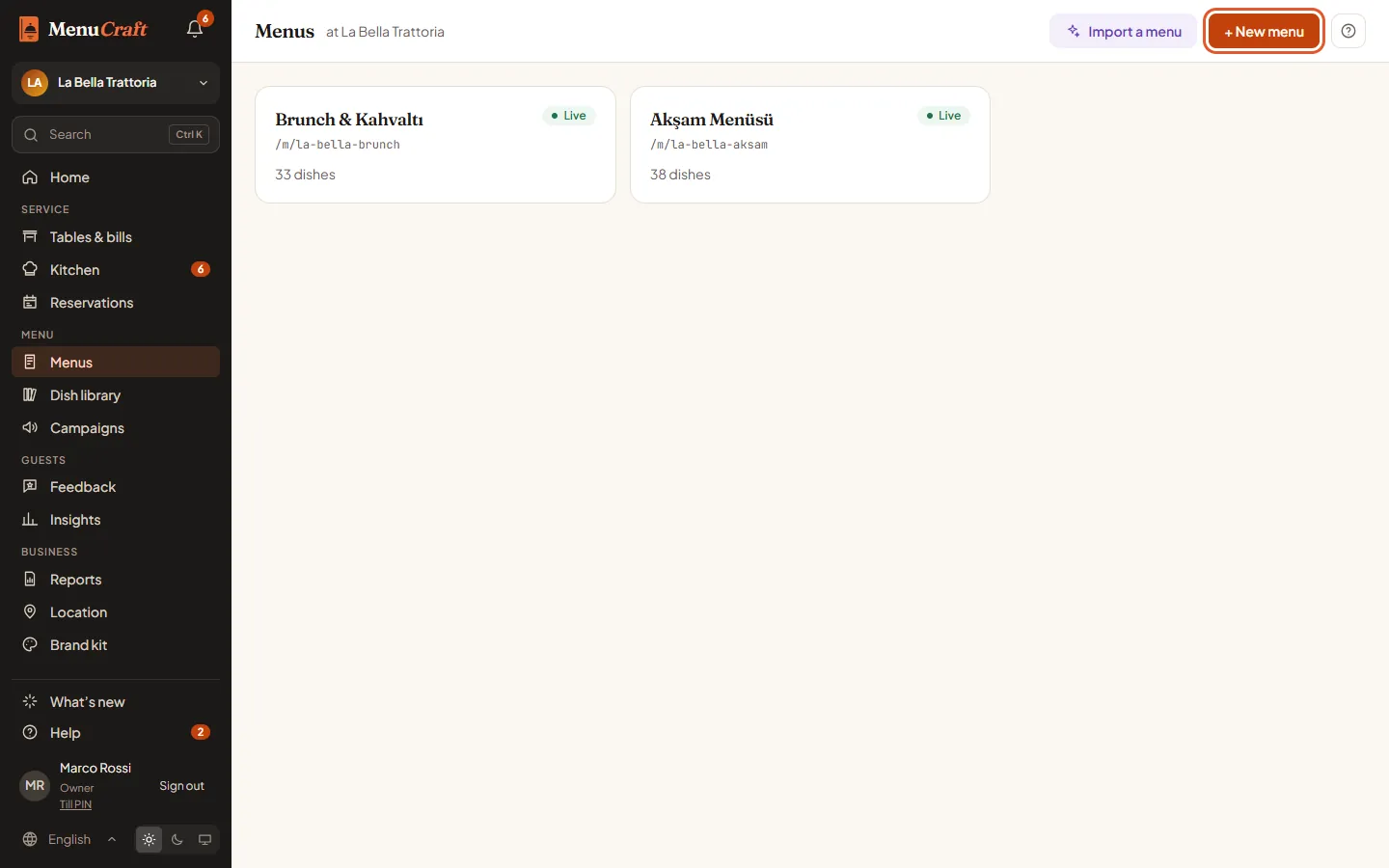
Each location can have several menus, for example a dinner menu, a breakfast menu and a drinks list. Every menu has its own dishes, design, languages and QR code.
Start a new menu
- Open Menus in the sidebar.
- Select New menu.
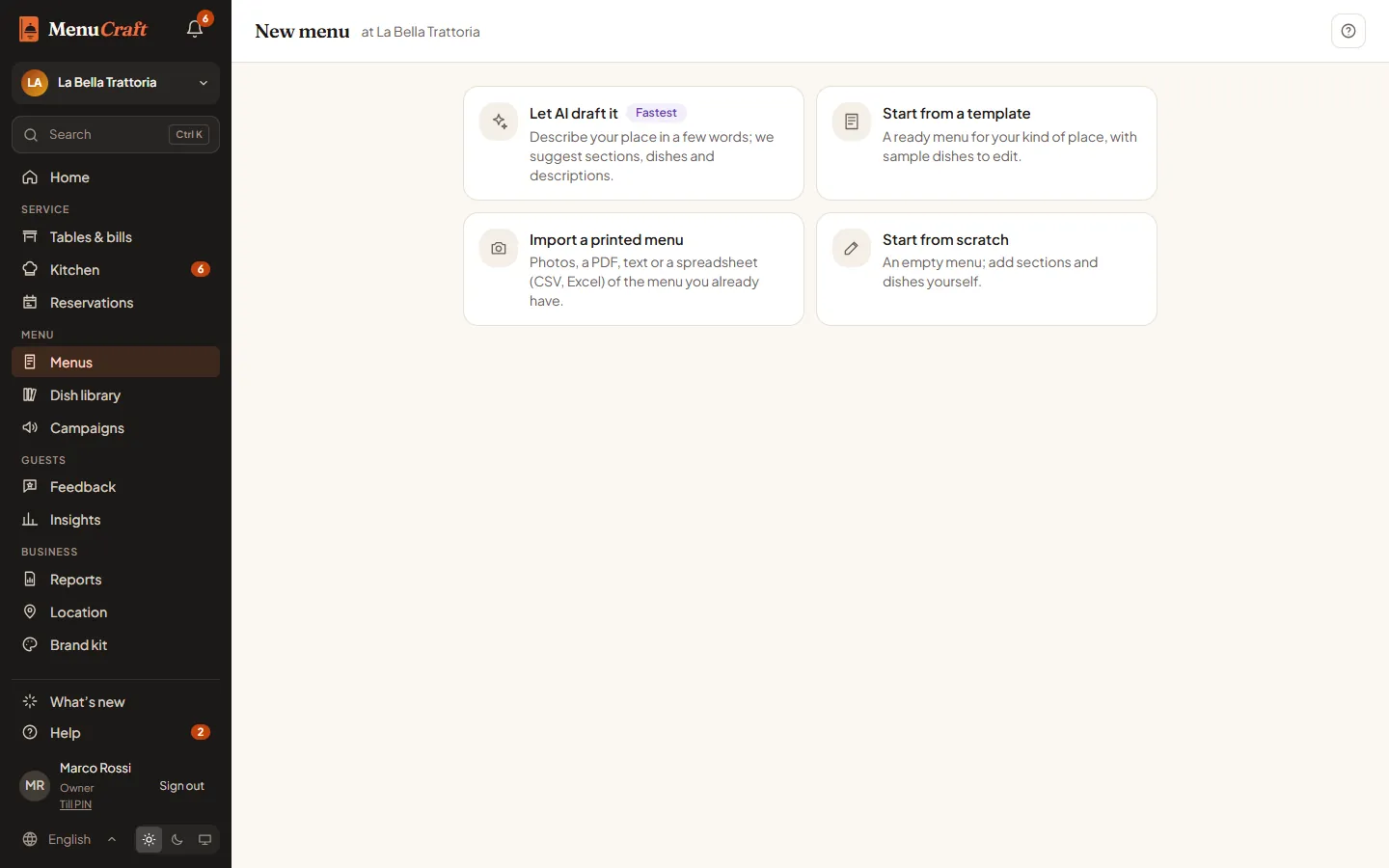
- Choose how to start:
- Let AI draft it: describe your place in a few words and MenuCraft suggests sections, dishes and descriptions.
- Start from a template: a ready menu for your kind of place, with sample dishes to edit.
- Import a printed menu: photos, a PDF or the text of the menu you already have. See Import a printed menu.
- Start from scratch: an empty menu; you add the sections and dishes yourself.
Tip: Nothing is visible to guests until you publish. Try any option; you can delete a draft menu at any time.
Let AI draft it
- Under Describe your place and what you serve, write a sentence or two, for example "a small café with Turkish breakfast, toasties and coffee".
- If you like, list Dishes you already sell (optional), one per line. They are all kept and sorted into sections.
- Pick the Menu size and select Draft my menu.
- Check the suggestions: untick what you don't serve and fix the names. Prices are left for you to fill in, in the editor.
Start from a template
- Under Templates, pick the one closest to your place (the Suggested one matches your business type).
- Select Create menu.
- Edit the sample dishes, add prices and remove what you don't serve.
What next
- Add and edit dishes: Add and edit dishes.
- Make it look like your place: Design your menu.
- When it's ready, publish it and print the QR code.