
Pairings are the dishes you recommend with another one: a wine with the steak, fries with the burger, a dessert after the pasta. Guests see them under the dish as Goes well with, and in their basket when ordering is on.
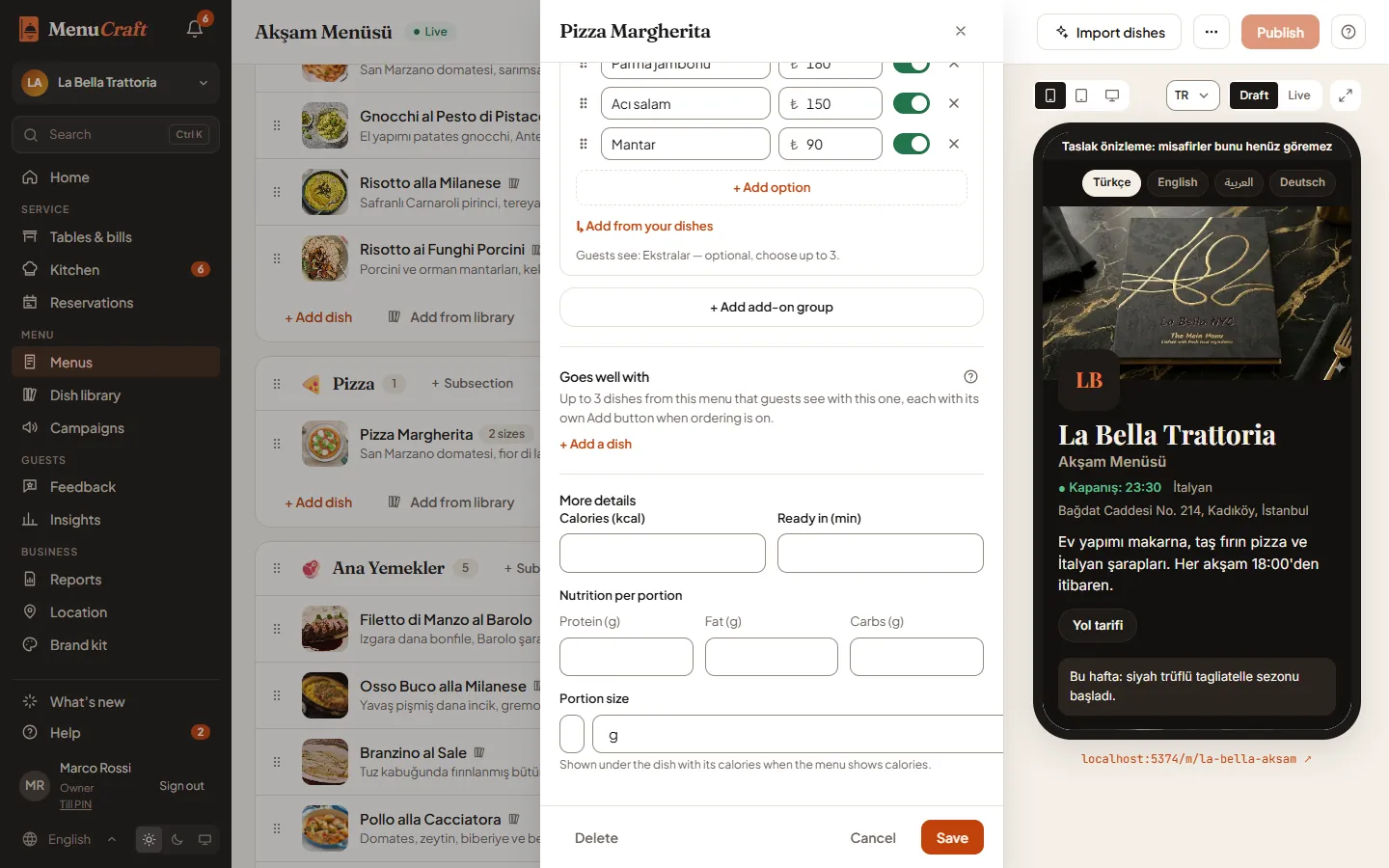
Choose pairings for a dish
- Open the menu and select a dish.
- Scroll to Goes well with and select Add a dish.
- Type in Search this menu, or browse the dishes listed by section, and select one.
- Repeat for up to 3 dishes. Select ✕ next to a dish to remove it.
- Select Save, then publish to show the change to guests.
Only dishes of the same menu can be chosen. Dishes marked hidden or sold out in the list can be picked, but guests don't see them while they are hidden or sold out.
Let AI suggest pairings for the whole menu
- On the Dishes tab, select Suggest pairings above the dishes.
- Read what the AI does, and how many AI credits it uses (one credit per 10 dishes), then select Suggest.
- Check the suggestions, grouped by section. Each dish shows the suggested dishes with a short reason.
- Tick the dishes whose suggestions you want to keep, or use Select all / Clear. Dishes that already have pairings start unticked; when you tick one, the line under it tells you which pairings it replaces.
- Not happy? Select Try again for new suggestions.
- Select the save button (for example Save 12 dishes) to keep the ticked ones, then publish the menu.
Some things to know:
- Drinks, sides and desserts are suggested with mains, rarely another main.
- Vegetarian and vegan dishes never get meat or fish suggested.
- Hidden dishes and sections are left out. On a very long menu, only the first 150 dishes guests can see are used.
- The button shows when AI features are available for your account and the menu has at least 2 dishes guests can see.
What guests see
- On the dish: a Goes well with list with each paired dish's photo and price. Tapping one opens that dish; when ordering is on, each has its own Add button.
- In the basket: when ordering is on, the basket shows Goes well with your order: up to 3 dishes paired with what the guest has added and not yet in the basket.
Sold-out pairings are left out until the dish is available again.