What most owners do in MenuCraft on a normal day. Each takes a minute.
A dish runs out
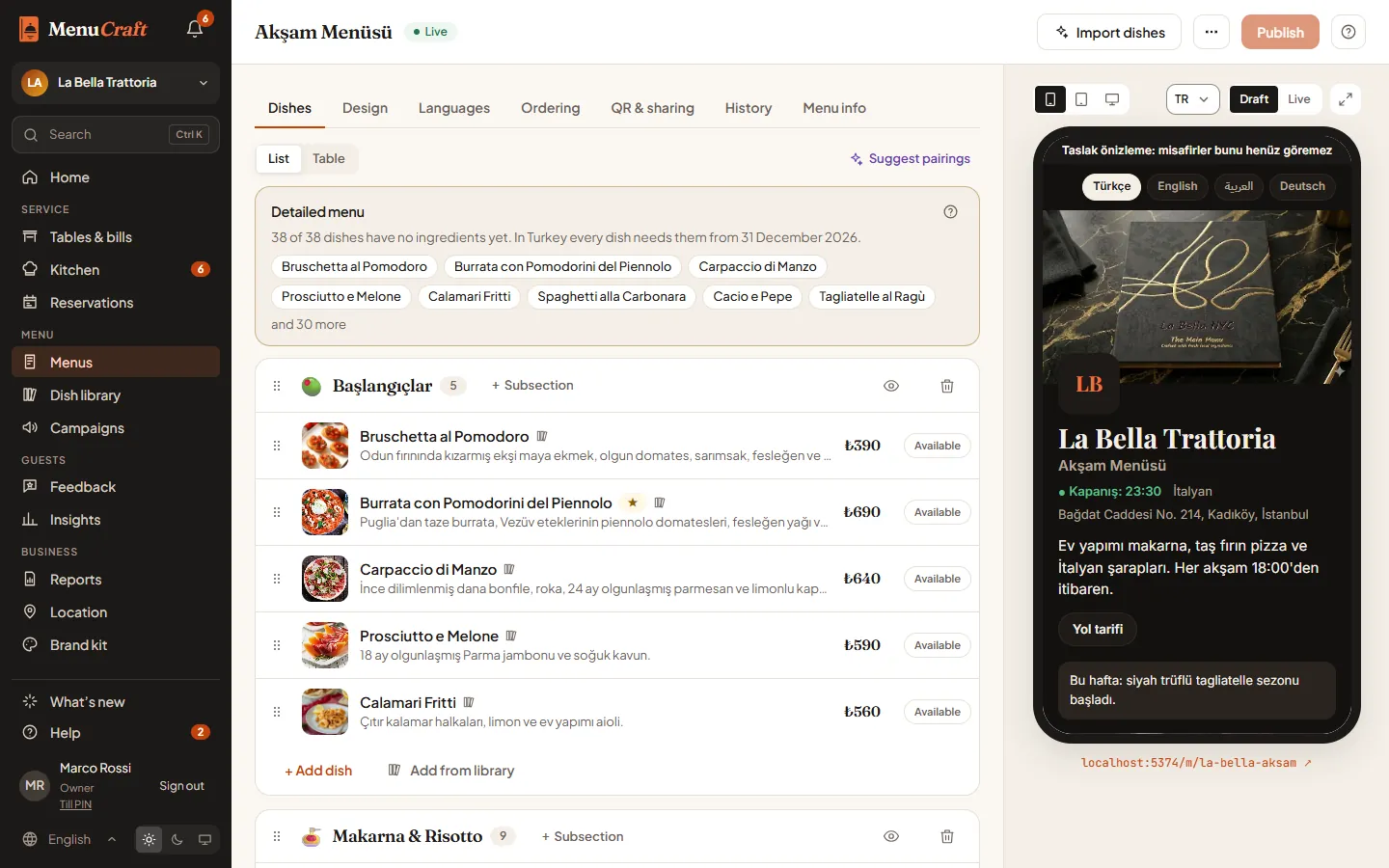
Open the menu and tap Available on the dish's row: it switches to Sold out and guests see it at once. Tap again when it's back, or let sold-out dishes come back by themselves every morning.
A price changes
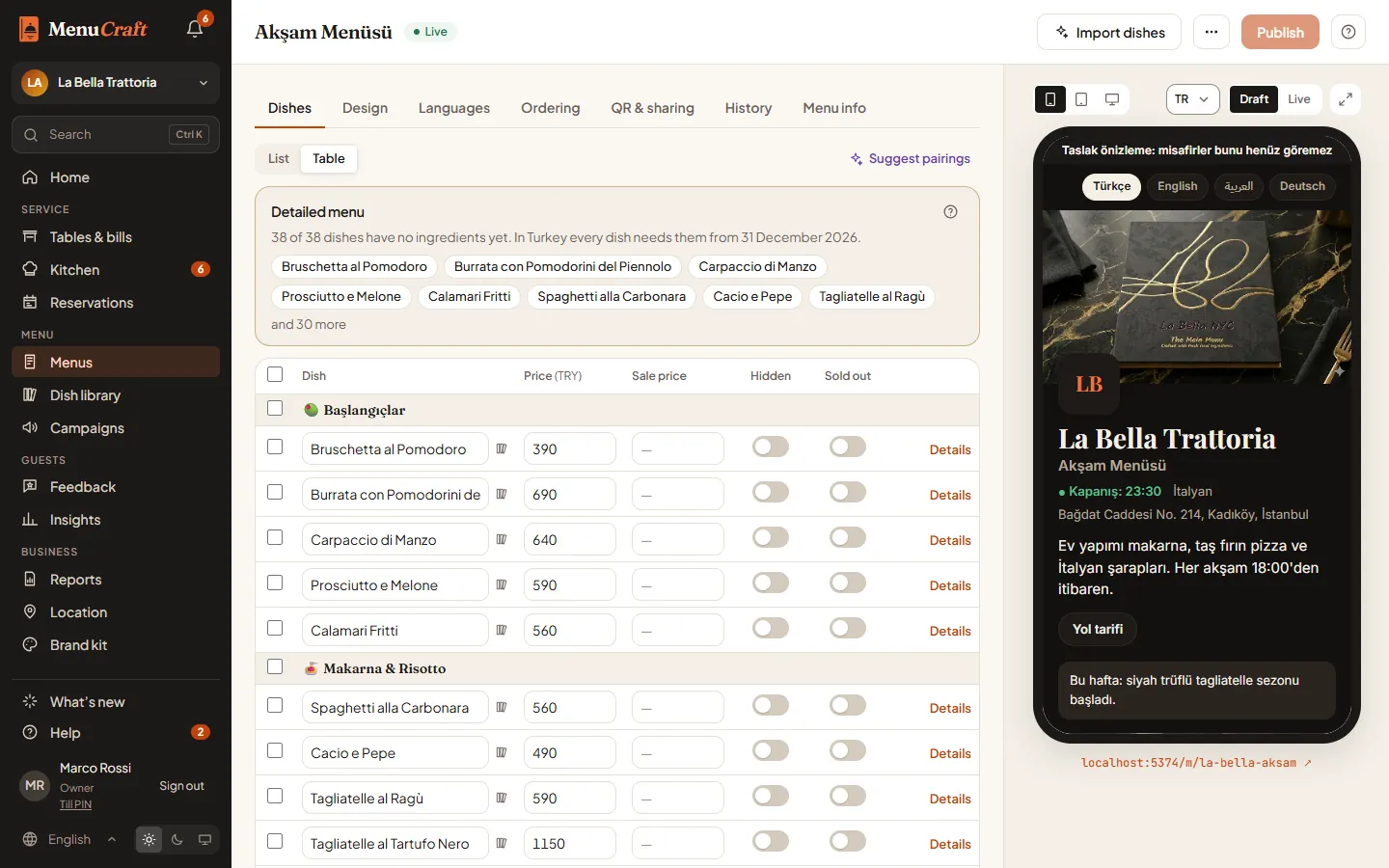
Select the dish, change the Price and select Save, then Publish. For many dishes at once, use Change prices in the table view. See The dish table.
Today's special
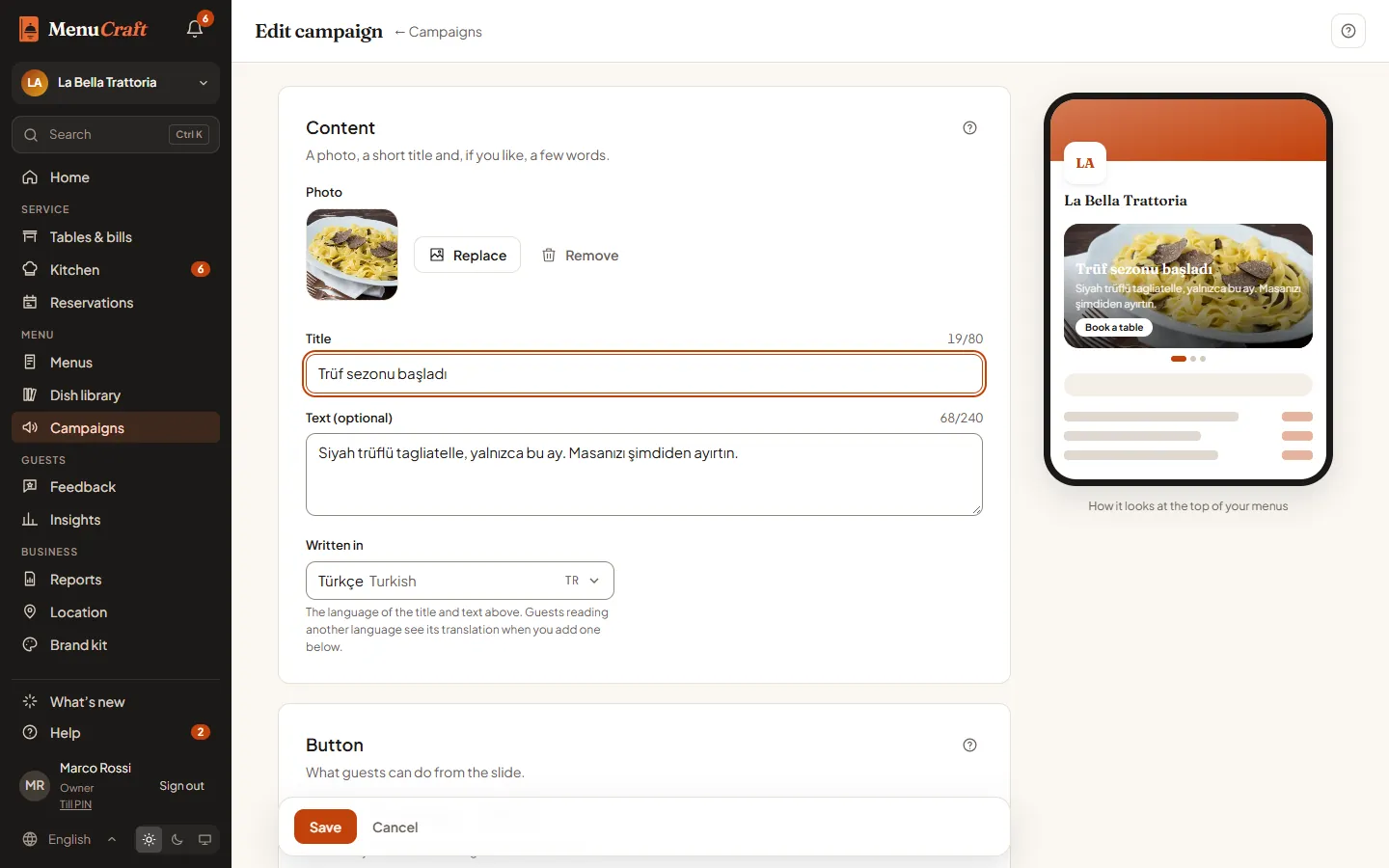
Put it in a campaign slide at the top of the menu (it shows as soon as you save), or as a line in the Announcement banner in Menu info. See Campaigns.
Answer bookings
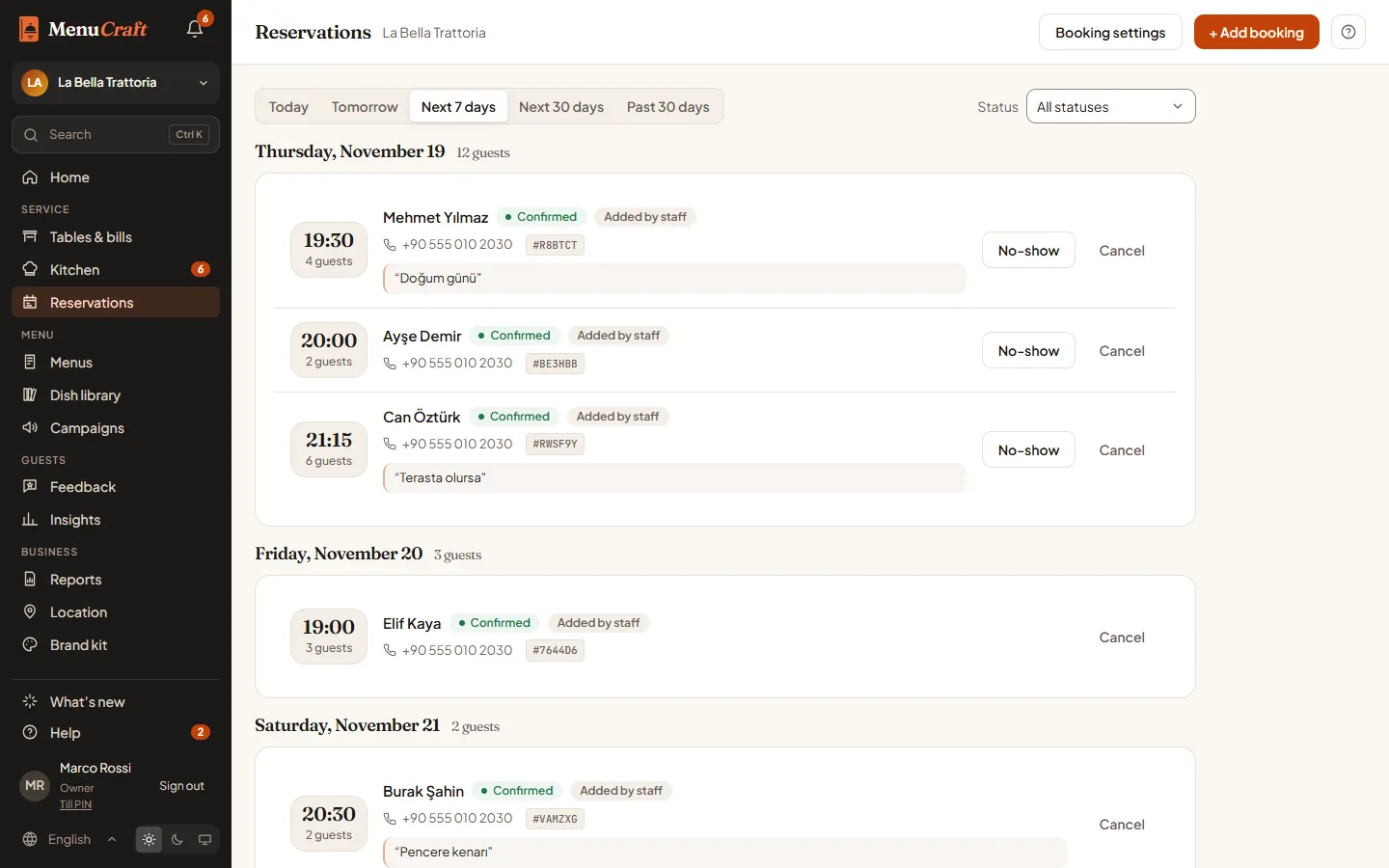
On Reservations, confirm requests that say Waiting for you, and add phone bookings with Add booking. See Table reservations.
Waiter calls
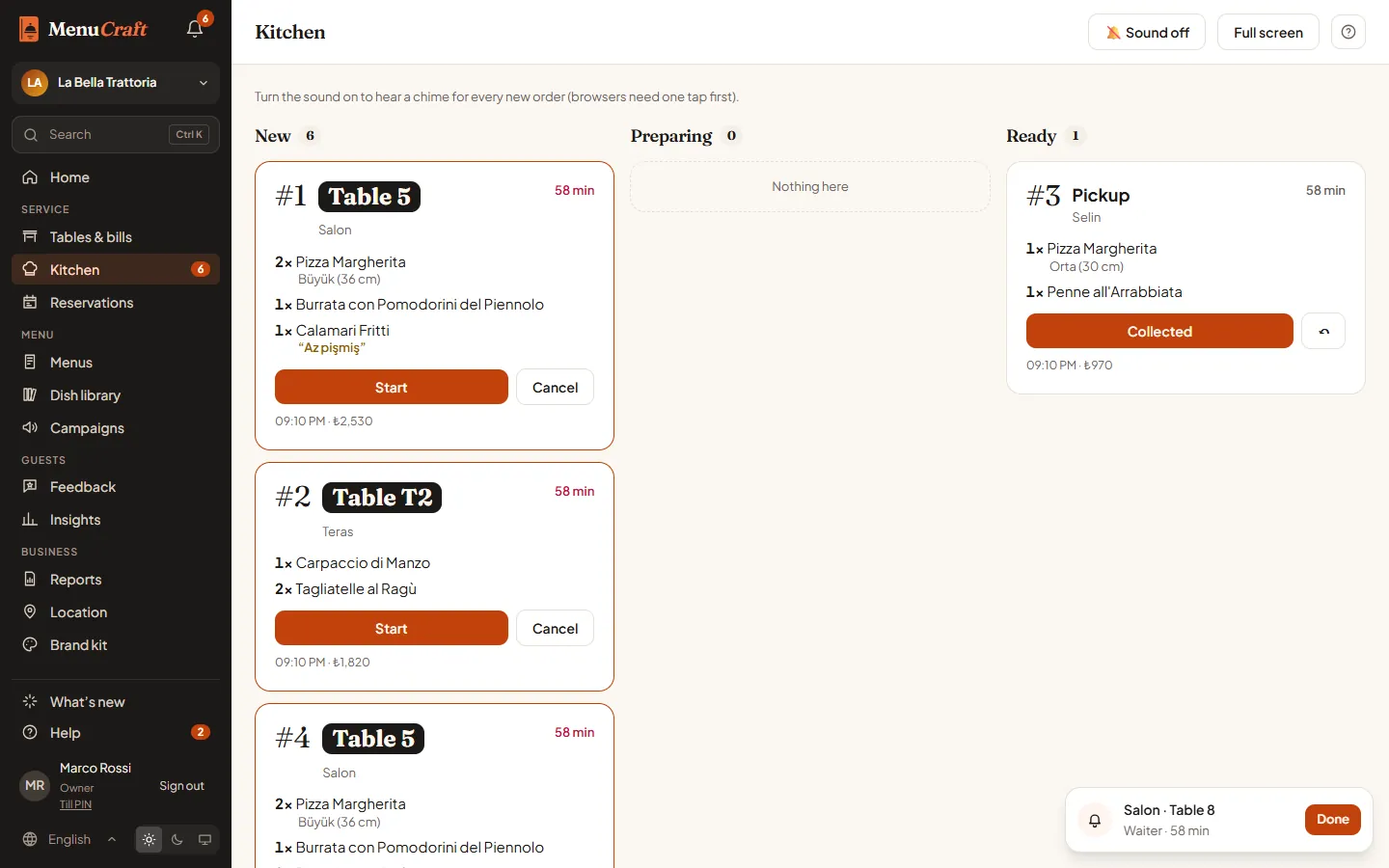
When a guest calls, a card shows the table in the corner of every page. Go to the table and tap Done.
Yesterday's numbers
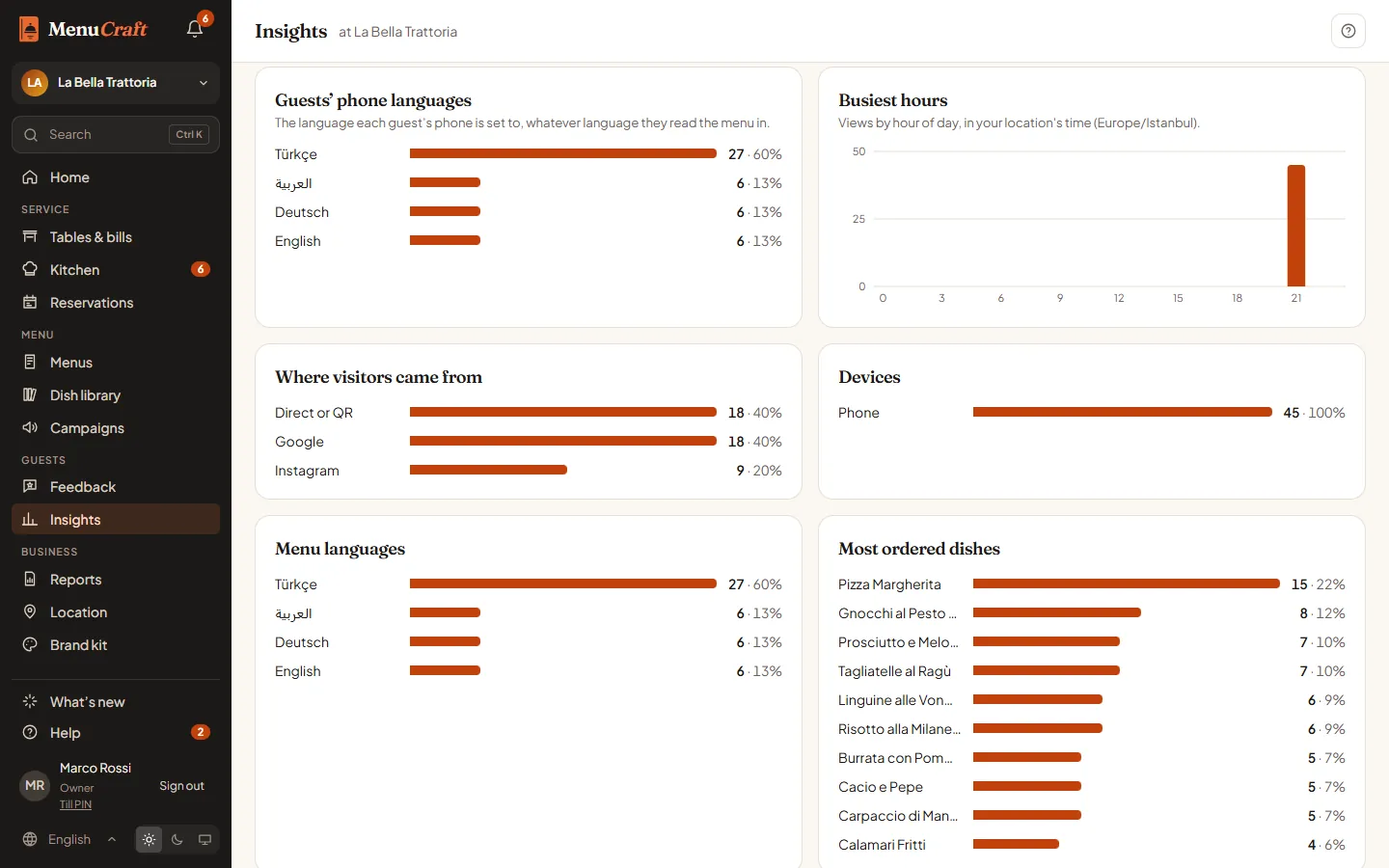
The Home page shows the last 7 days; Insights shows views per day, the busiest hours and what sold best. See Insights.