Go through these the day before you open, or before you put QR codes on the tables for the first time.
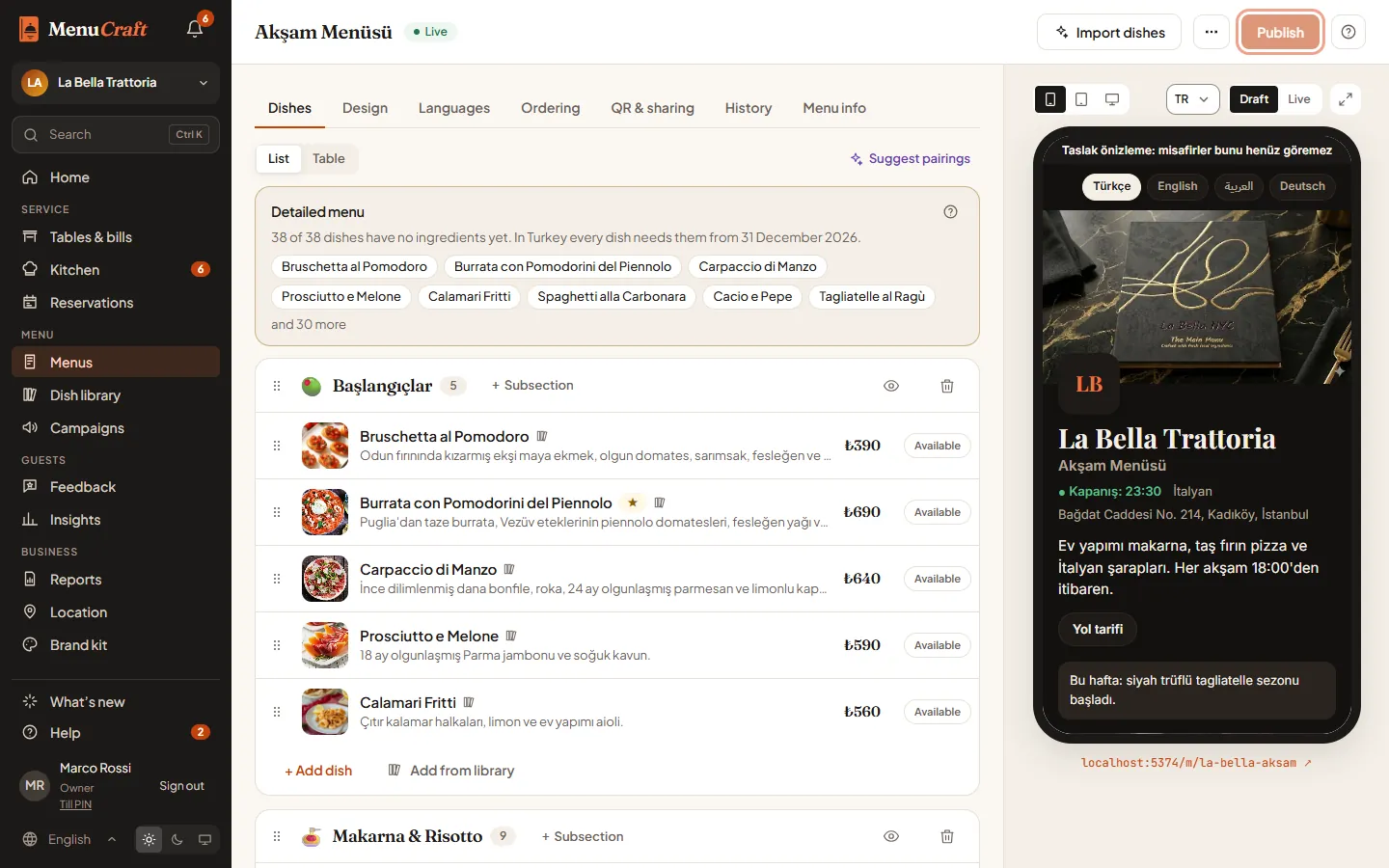
Is the menu live?
Open the menu: its badge should say Live, not Draft or Unpublished changes. If not, select Publish.
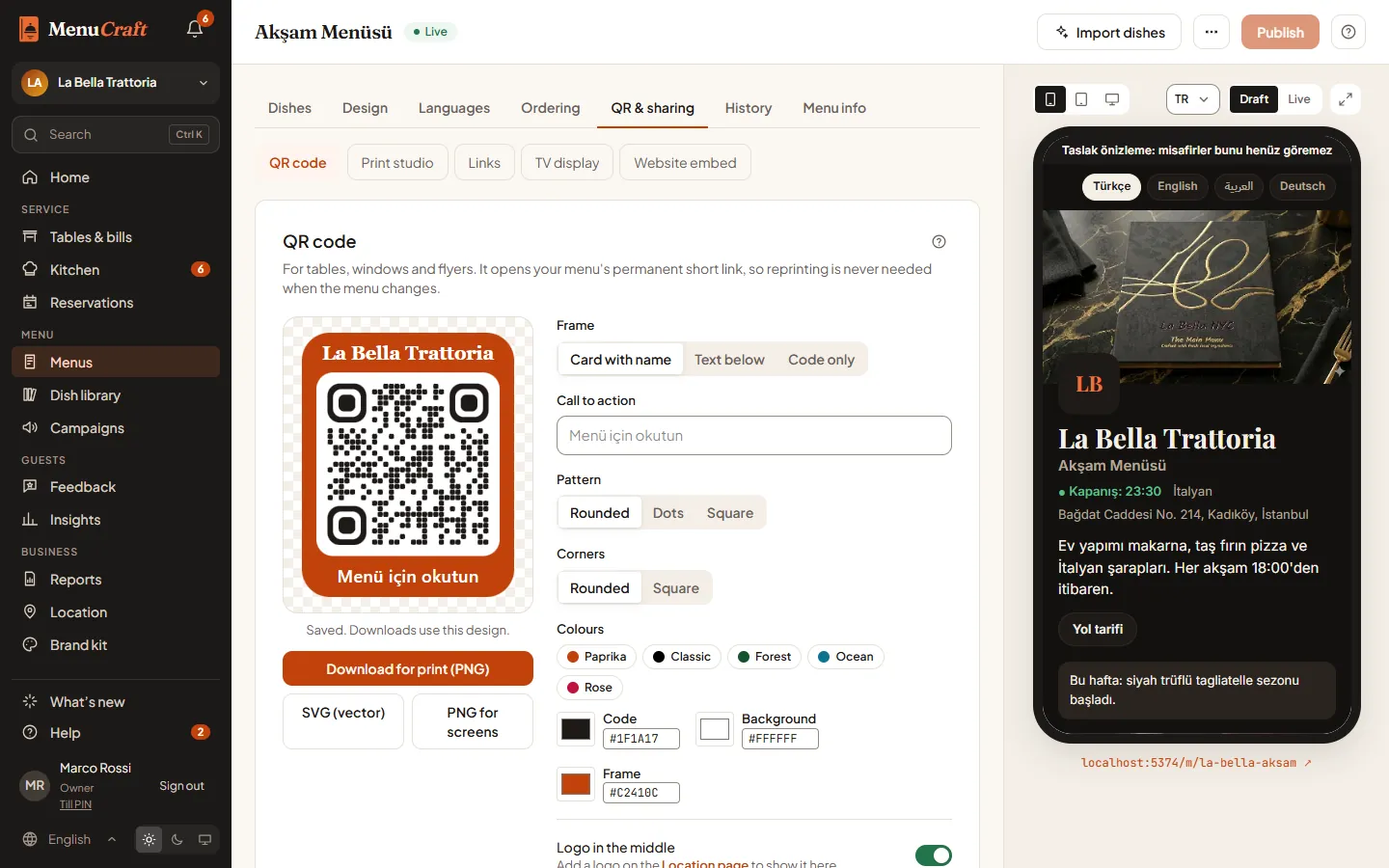
Test the QR code with your phone
Scan a printed code with your own phone (and one other phone): the menu should open at once. If you print more, test again first. See When something doesn't work.
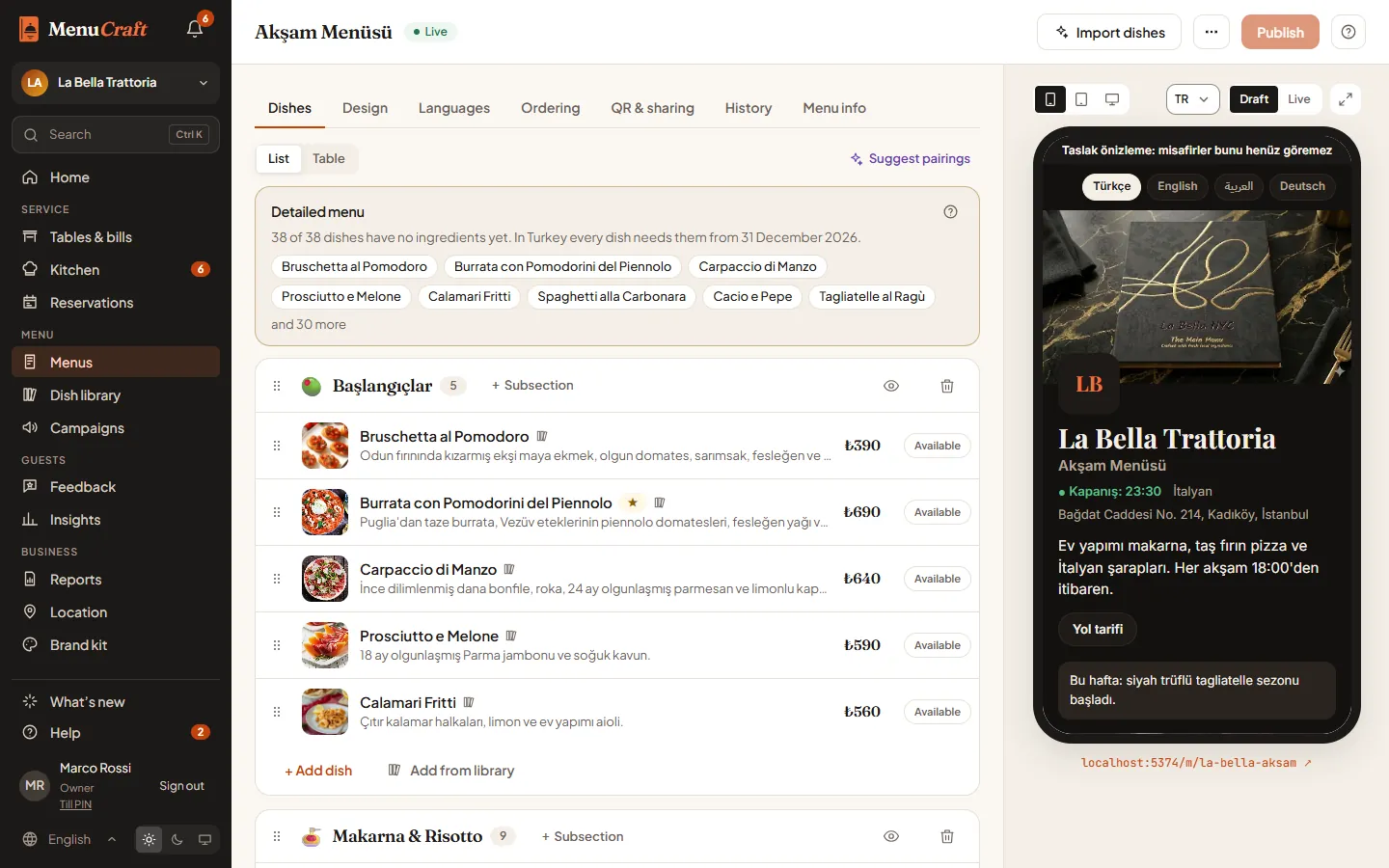
Prices, allergens and sold-out dishes
Look through the menu as a guest would: every dish has a price, allergens are right, and dishes you can't serve today are marked sold out.
Your team is in
On Team, check that everyone has joined: invitations still waiting are listed under Invitations waiting, where you can Send again.
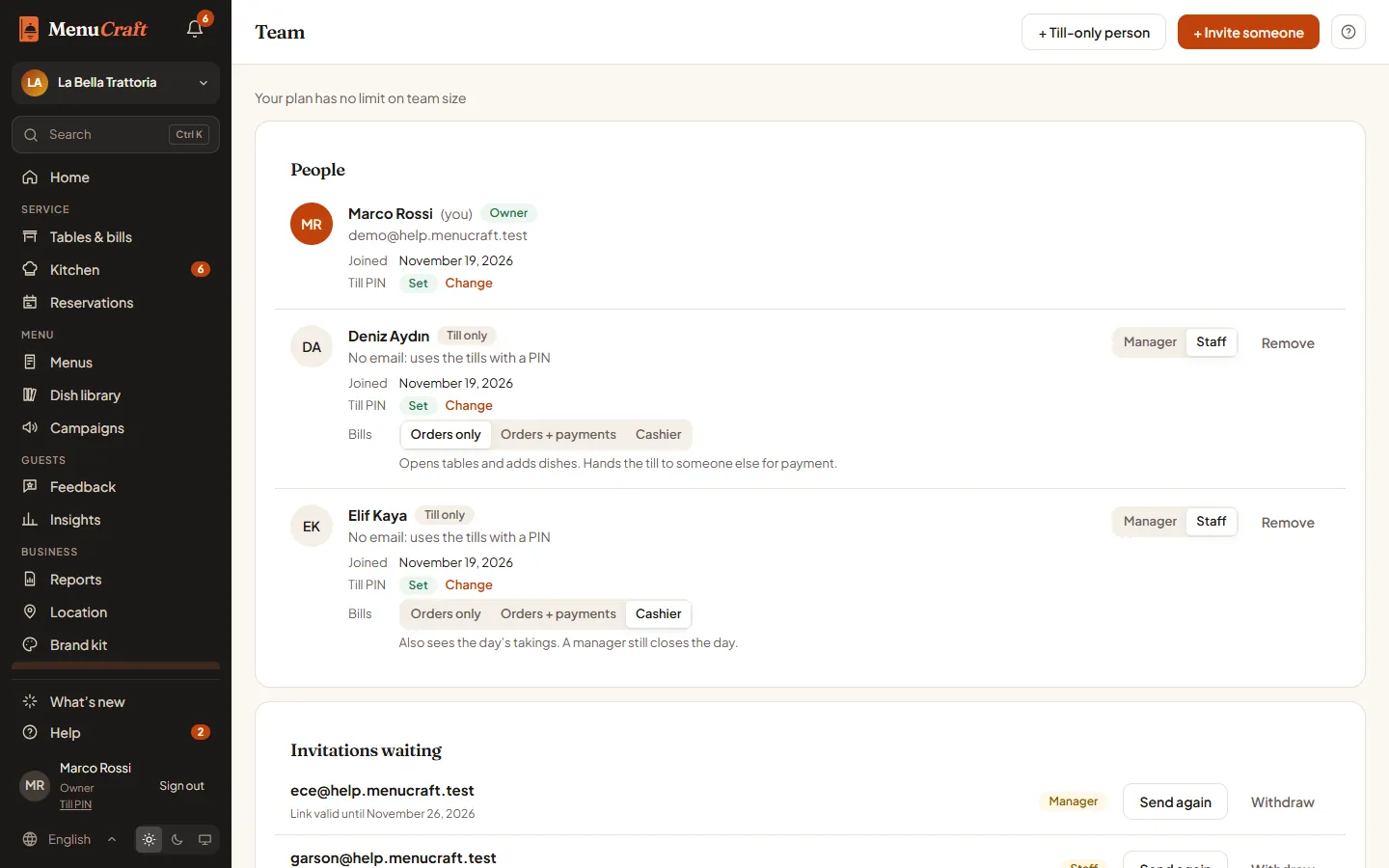
The kitchen tablet is ready
If guests order from the menu, the tablet shows Kitchen with 🔔 Sound on, charging, with the screen on. Send a test order from your phone.
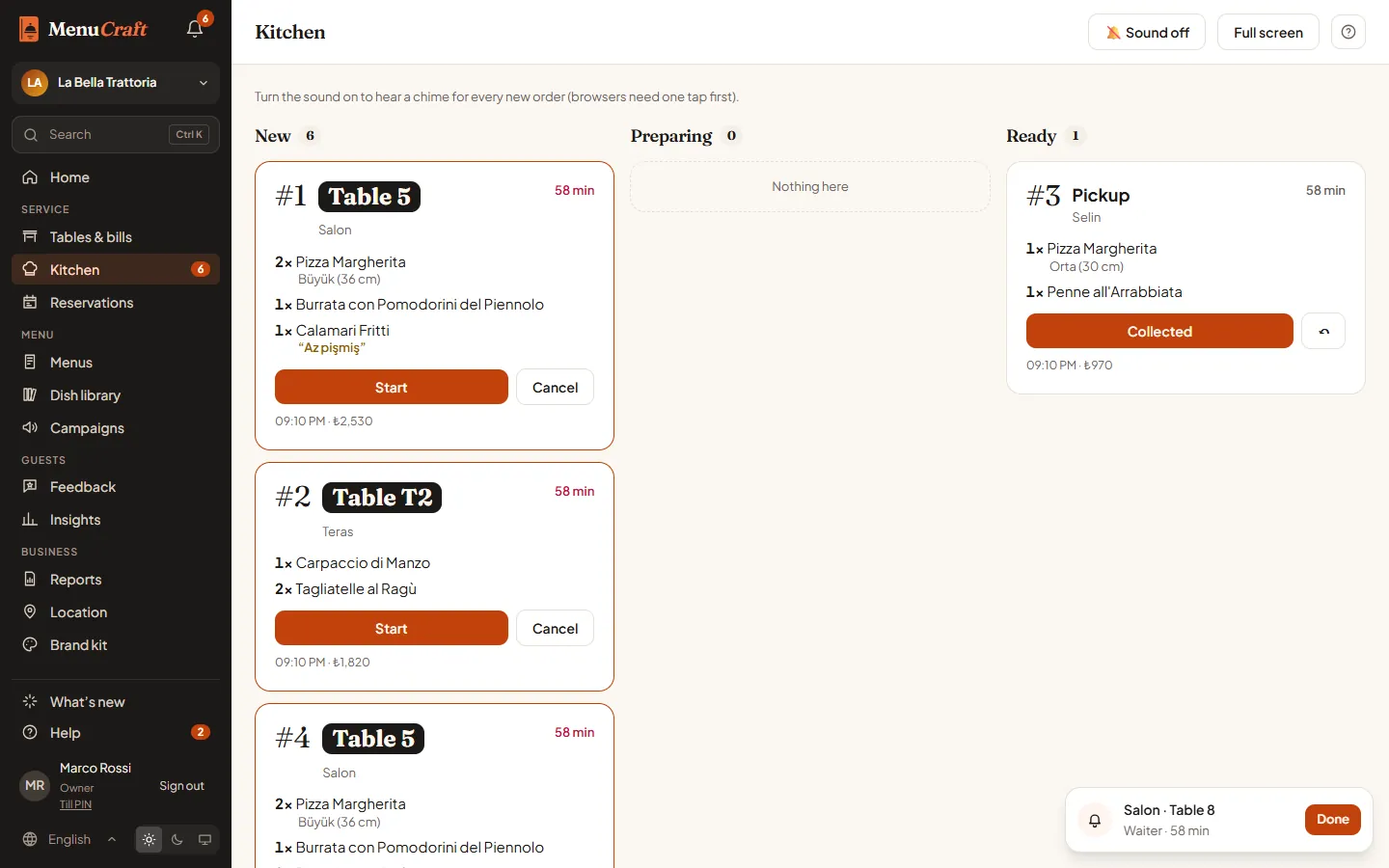
Google knows your menu
On Location, under Google, connect your Google Business Profile and send your menu to Google, so guests find it on Maps. See Location and hours.
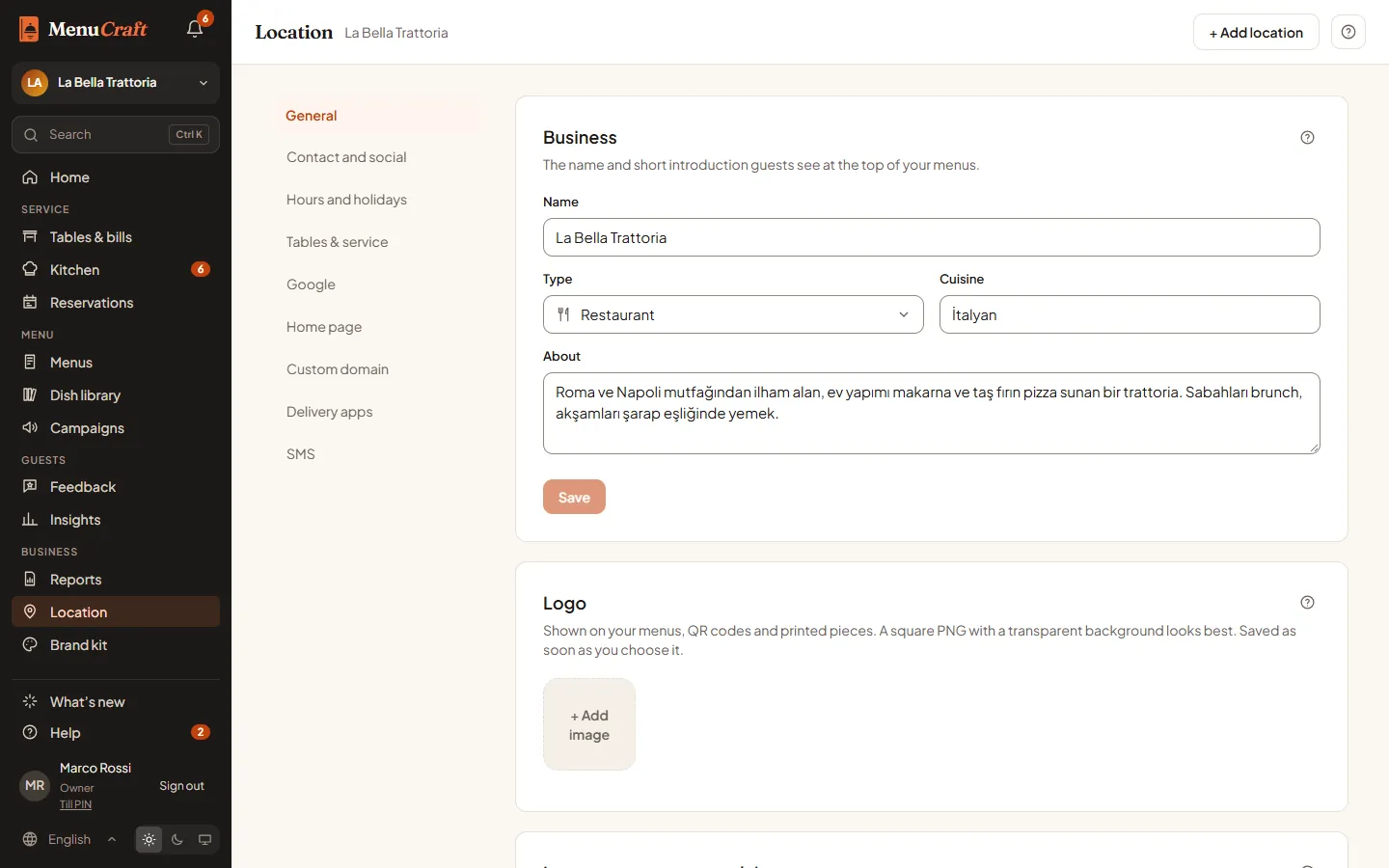
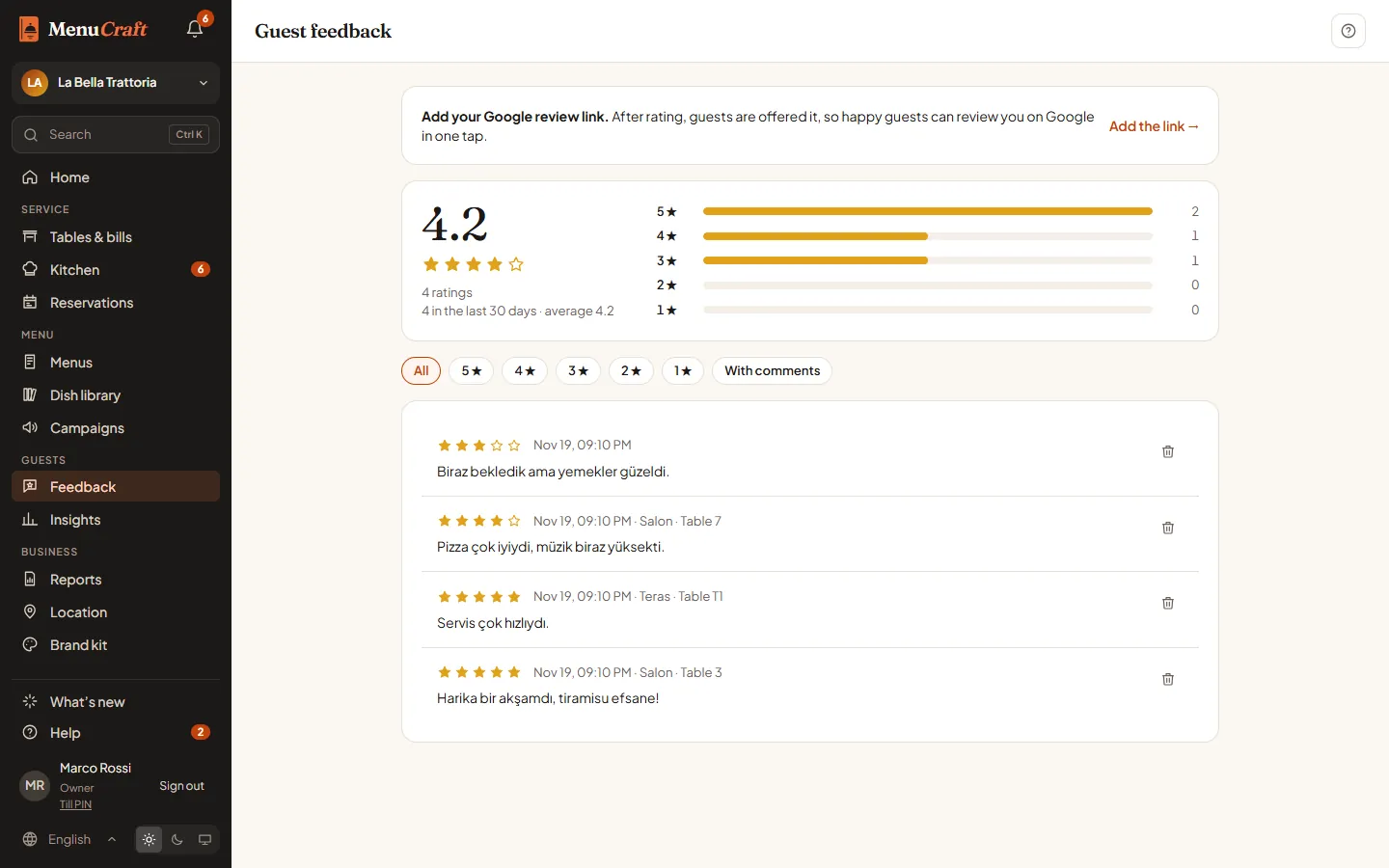
Ask for ratings
Turn on Ask guests how their visit was in the Ordering tab and add your Google review link: happy guests can then review you on Google in one tap. See Guest feedback.